

Compatible PGI-220 CLI-221 Ink Cartridge Replacement for Canon Pixma MX870 MP560 MP620 MX860 iP3600 iP4600 iP4700 MP990 MP980 MP640 (4 XL Black, 4 Black, 4 Cyan, 4 Magenta, 4 Yellow) 20 Pack
Product details
| Management number | 229368238 | Release Date | 2026/05/31 | List Price | $7.44 | Model Number | 229368238 | ||
|---|---|---|---|---|---|---|---|---|---|
| Category | |||||||||
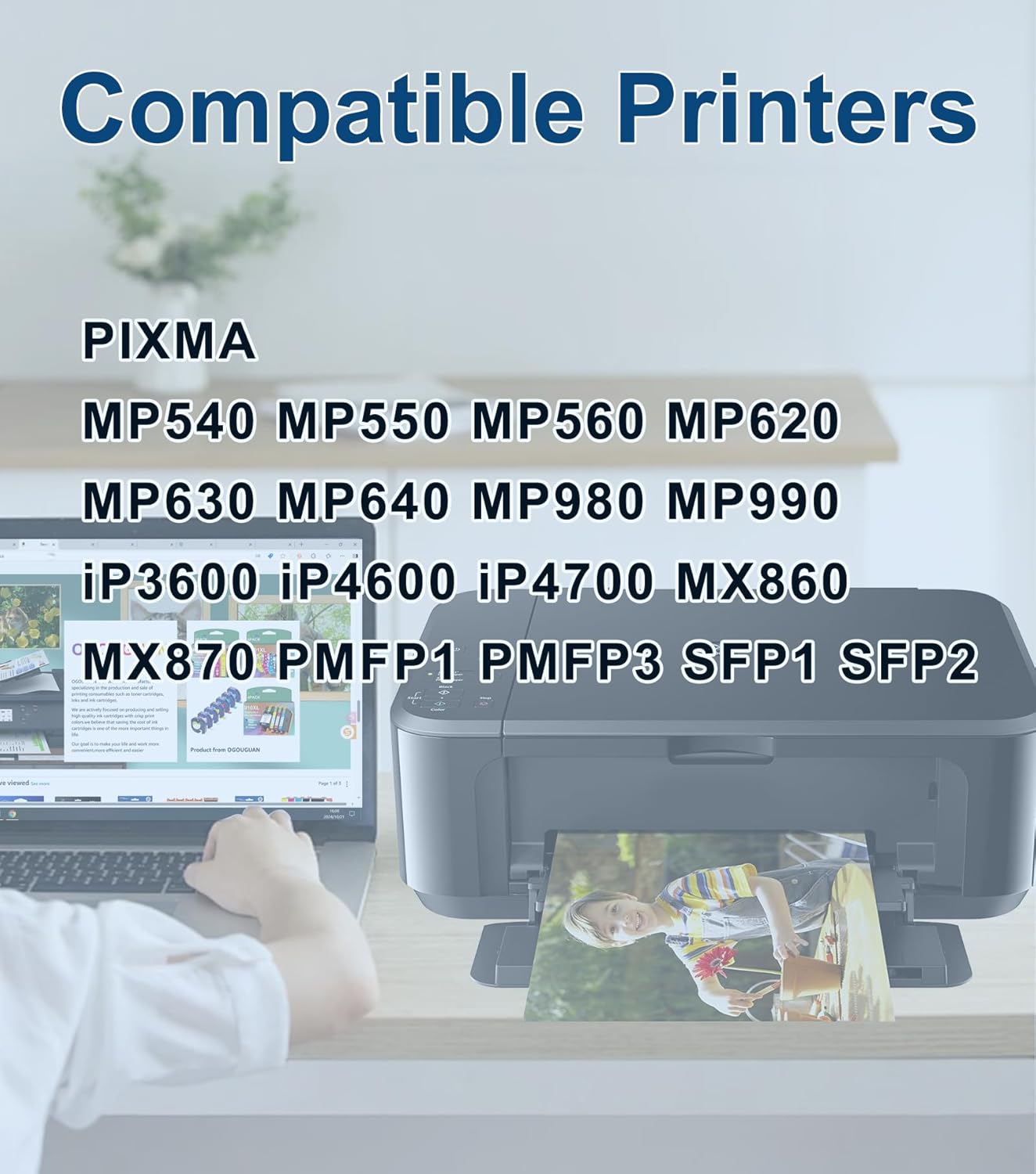
Product description PACKAGE CONTENTS:4 x PG Black PGI-220 PGI 220 PGI2204 x Black CLI-221 CLI 221 CLI2214 x Cyan CLI-221 CLI 221 CLI2214 x Magenta CLI-221 CLI 221 CLI2214 x Yellow CLI-221 CLI 221 CLI221Compatible With Printers:For Canon PIXMA iP3600,PIXMA iP4600, PIXMA iP4700, PIXMA MP540, PIXMA MP560, PIXMA MP620, PIXMA MP620B, PIXMA MP640, PIXMA MP640R, PIXMA MP980, PIXMA MP990, PIXMA MX860, PIXMA MX870, PIXMA PMFP1, PIXMA PMFP3, PIXMA SFP1, PIXMA SFP2Easy to install:1. Lift the tab on the orange protective cap to remove it comfortably. Do not scratch the chip. 2. Install the new ink cartridge into the slot.3. Close the scanning cover and start printing.-----------------------------------------------------------------------------------Ignore common problems with compatible ink cartridges Click ""yes"" to continue printingWhen prompted for non-genuine ink cartridgesWhen the printer displays ""Non-genuine ink cartridges installed"" or ""Used or counterfeit ink cartridges detected"", just press the ""OK"" or ""Continue"" button to continue printing.The printer issues a yellow warning message, follow these steps:1) Remove the ink cartridge and clean the chip with an eraser.2) Repeat the installation 2-3 times. Manufacturer Contact Information GuangDong,China
- 1.Product Name: OGOUGUAN Compatible ink cartridges replacement for Canon PGI-220 CLI-221 PGI220 CLI221.
- 2.Package Contents: 4 x PGI-220 Large Black, 4 x CLI-221 Small Black, 4 x CLI-221 Cyan, 4 x CLI-221 Magenta, 4 x CLI-221 Yellow (does NOT include Gray), total 20 cartridges
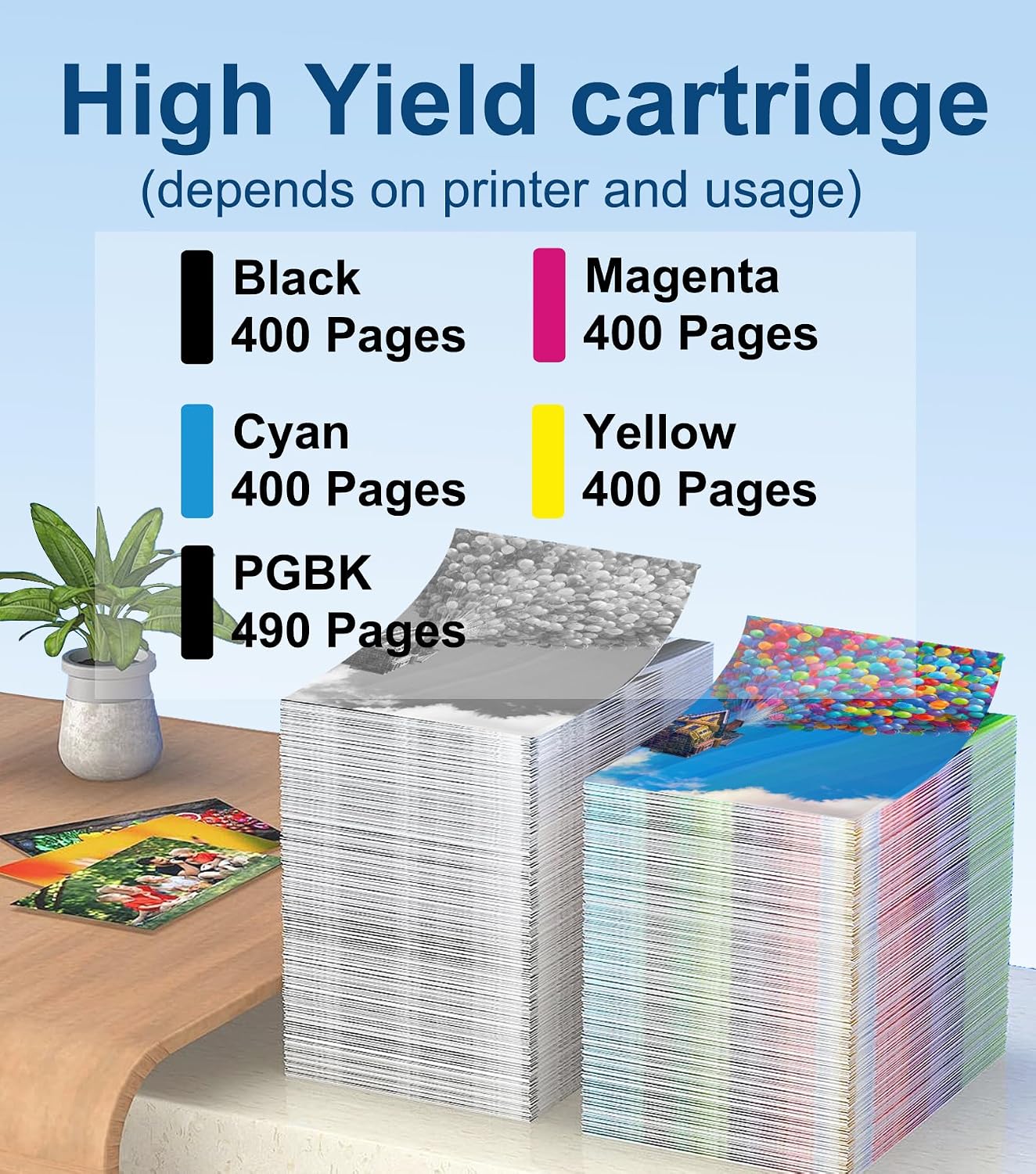
- 3.Page Yield: Black is 490 pages per cartridge and Color is 400 Pages per cartridge (5% coverage)
- 4.Printer Compatibility: Canon PIXMA MP540, MP550, MP560, MP620, MP630, MP640, MP980, MP990, iP3600, iP4600, iP4700, MX860, MX870, PMFP1, PMFP3, SFP1, SFP2 Inkjet Printer
| ASIN | B0DQC3W8J9 |
|---|---|
| Brand | OGOUGUAN |
| Color | Black Cyan Magenta Yellow |
| Ink Base | Water |
| Ink Colour | Black, Cyan, Magenta, Yellow |
| Model Name | PGI-220 CLI-221 |
| Page Yield | 450 |
| Unit Count | 20.0 Count |
| Manufacturer | OGOUGUAN |
| Model Number | PGI-220 CLI-221 |
| Mfr Part Number | PGI-220 CLI-221 |
| Number of Items | 10 |
| Compatible Devices | Canon PIXMA IP3600, IP4600, IP4700, MP540, MP560, MP620, MP620B, MP640, MP640R, MP980, MP990, MX860, MX870 |
| Compatibility Options | Compatible |
| Compatible Printer Models | MX870 MP560 MP620 MX860 iP3600, iP4600 iP4700 MP990 MP980 MP640 |
| Item Dimensions D x W x H | 5.71"D x 3.35"W x 4.13"H |
| Printer Model Compatibility | Canon PIXMA iP4600 |
| Manufacturer Contact Information | GuangDong,China |
| Other Special Features of the Product | Long-Lasting |


Bestseller ranking
Growing Up & Facts of Life



Customers who viewed this product also viewed
Inkjet Ink Cartridges


Correction of product information
If you notice any omissions or errors in the product information on this page, please use the correction request form below.
Correction Request Form